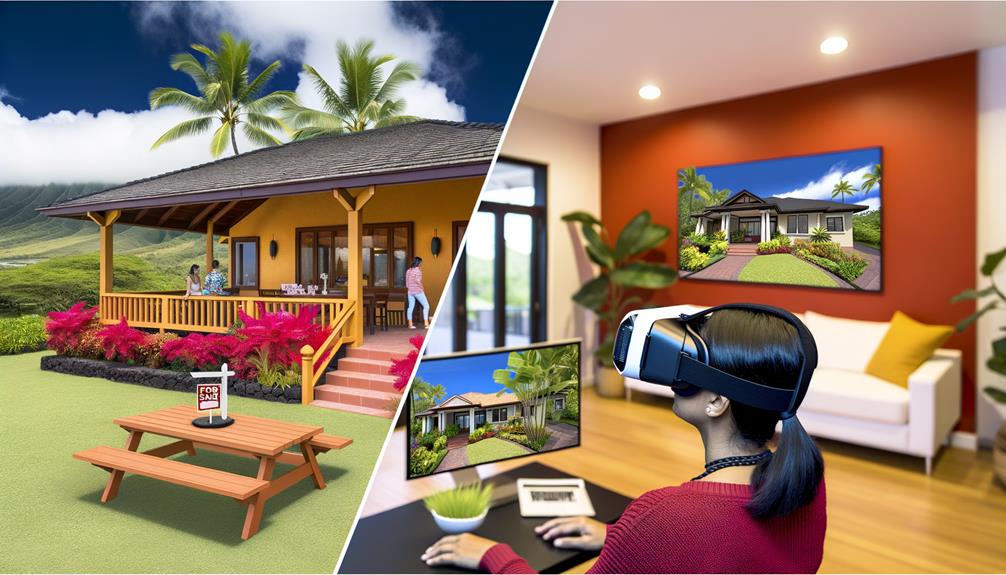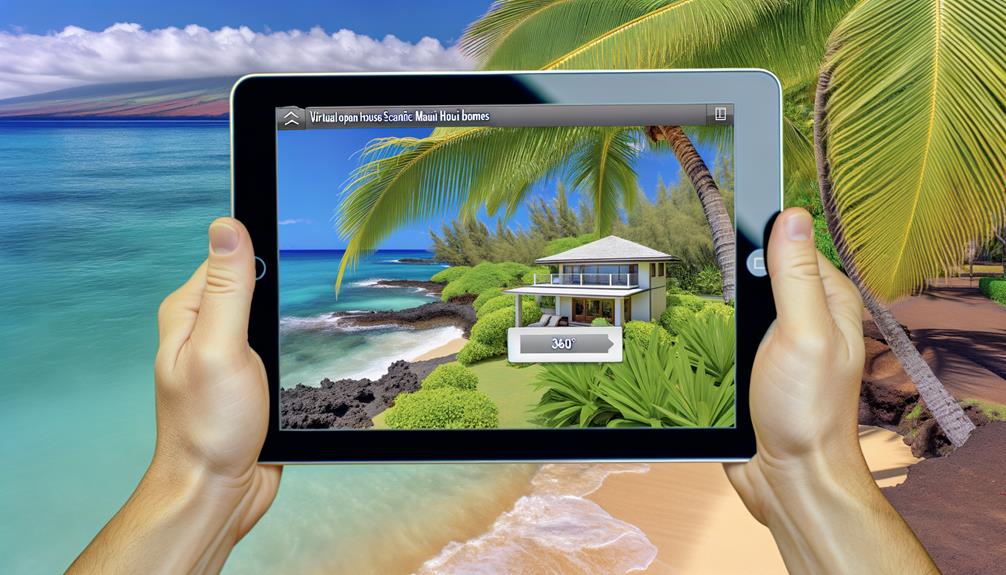
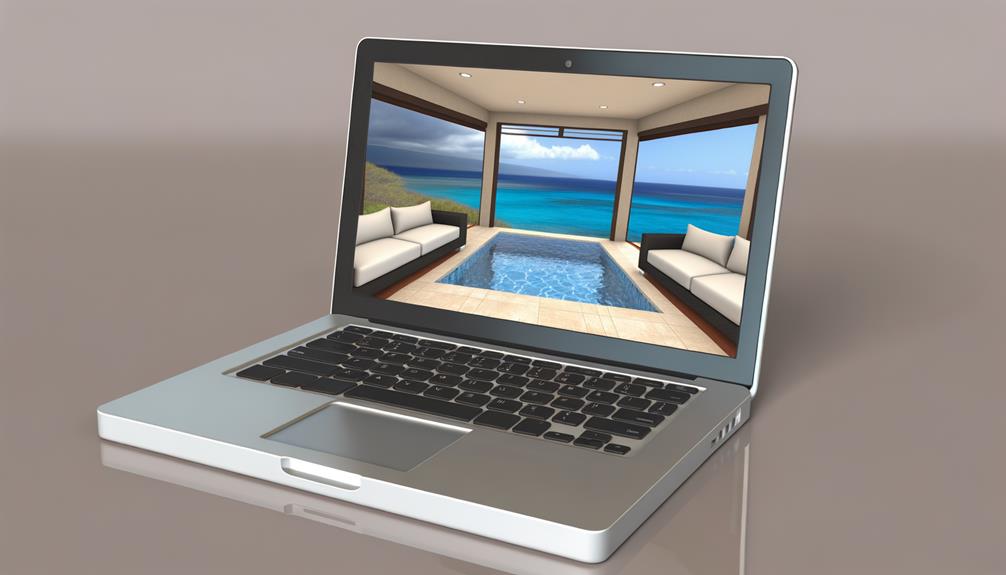
If you're a real estate agent looking to showcase the beauty of Maui properties through virtual tours, you're in luck! With just 7 easy steps, you can transport potential buyers to the stunning beaches and lush landscapes of the island without them ever having to leave their homes. Let's dive into the process and discover how you can elevate your marketing strategies with immersive virtual tours.
Step 1: Choose the Right Virtual Tour Technology
The first step is to select the virtual tour technology that best suits your needs. There are various options available, ranging from 360-degree cameras to virtual reality headsets. Consider the features, ease of use, and compatibility with different devices before making your decision.
Step 2: Plan the Tour Route
Next, plan the route for your virtual tour. Think about the key attractions and features you want to highlight, such as the beaches, mountains, or luxury amenities. Create a logical flow that guides viewers through the property and showcases its unique selling points.
Step 3: Capture High-Quality Visuals
Now it's time to capture high-quality visuals of the property. Ensure that your camera or equipment is capable of capturing sharp and clear images. Pay attention to lighting, angles, and composition to create visually appealing and immersive virtual tour content.
Step 4: Edit and Enhance the Tour
After capturing the visuals, it's time to edit and enhance the virtual tour. Use editing software to refine the images, adjust colors, and add any necessary effects. Consider adding interactive elements like hotspots or information pop-ups to provide additional details about the property.
Step 5: Add Engaging Narration or Music
To make the virtual tour even more captivating, consider adding engaging narration or background music. A professional voiceover or carefully selected music can enhance the viewer's experience and create a more immersive atmosphere.
Step 6: Share Your Virtual Tour
Once your virtual tour is ready, it's time to share it with a wider audience. Upload the tour to your website, social media platforms, and real estate listing websites. Consider promoting it through email marketing campaigns or targeted online advertising to reach potential buyers.
Step 7: Gather Feedback and Analyze Metrics
Finally, gather feedback from viewers and analyze the metrics of your virtual tour. Pay attention to viewer engagement, time spent on each section, and any comments or inquiries received. This feedback can help you improve future virtual tours and better cater to your audience's preferences.
By following these 7 easy steps, you can create captivating virtual tours of Maui real estate that will wow potential buyers. So, don't wait any longer—start showcasing the beauty of the island and take your marketing strategies to new heights.
Key Takeaways
If you're a real estate agent looking to showcase the beauty of Maui properties through virtual tours, you're in luck! In just 7 simple steps, you can transport potential buyers to the stunning beaches and lush landscapes of the island without them ever having to leave their homes. Let's dive into the process and discover how you can enhance your marketing strategies with immersive virtual tours.
Step 1: Choose the Right Virtual Tour Technology
The first step is to select the virtual tour technology that best suits your needs. There are different options available, such as 360-degree cameras or virtual reality headsets. Consider the features, ease of use, and compatibility with different devices before making your decision.
Step 2: Plan the Tour Route
Next, plan the route for your virtual tour. Think about the key attractions and features you want to highlight, such as the beautiful beaches, majestic mountains, or luxurious amenities. Create a logical flow that guides viewers through the property and showcases its unique selling points.
Step 3: Capture High-Quality Visuals
Now it's time to capture high-quality visuals of the property. Make sure your camera or equipment can capture sharp and clear images. Pay attention to lighting, angles, and composition to create visually appealing and immersive virtual tour content.
Step 4: Edit and Enhance the Tour
After capturing the visuals, it's time to edit and enhance the virtual tour. Use editing software to refine the images, adjust colors, and add any necessary effects. Consider adding interactive elements like hotspots or information pop-ups to provide additional details about the property.
Step 5: Add Engaging Narration or Music
To make the virtual tour even more captivating, consider adding engaging narration or background music. A professional voiceover or carefully selected music can enhance the viewer's experience and create a more immersive atmosphere.
Step 6: Share Your Virtual Tour
Once your virtual tour is ready, it's time to share it with a wider audience. Upload the tour to your website, social media platforms, and real estate listing websites. Consider promoting it through email marketing campaigns or targeted online advertising to reach potential buyers.
Step 7: Gather Feedback and Analyze Metrics
Finally, gather feedback from viewers and analyze the metrics of your virtual tour. Pay attention to viewer engagement, time spent on each section, and any comments or inquiries received. This feedback can help you improve future virtual tours and better cater to your audience's preferences.
By following these 7 easy steps, you can create captivating virtual tours of Maui real estate that will impress potential buyers. So don't wait any longer—start showcasing the beauty of the island and elevate your marketing strategies.
Determine Tour Type
When it comes to choosing the best virtual tour for your Maui real estate, it's important to consider the different options available. These include Zillow 3D Home Tours, video walk-throughs, and interactive 360-degree virtual tours. Each type of tour offers unique features and benefits that can help showcase your property to potential buyers in the Maui real estate market.
Zillow 3D Home Tours provide viewers with an immersive experience, allowing them to virtually walk through your property and explore every room. This type of tour is especially useful for buyers who want to get a realistic sense of the property's layout and flow. With Zillow 3D Home Tours, you can create a detailed floor plan that makes it easy for viewers to navigate through the property.
On the other hand, video walk-throughs offer a dynamic and engaging way to showcase your property. By capturing the highlights and key features of the property on video, you can provide potential buyers with a more interactive experience. With the right camera and editing software, you can create a professional-quality video that truly captures the essence of your property.
Interactive 360-degree virtual tours allow viewers to control their viewing experience by exploring the property from different angles. This type of tour is particularly effective in helping buyers visualize the spatial layout of the property. By allowing viewers to zoom in and out, rotate the view, and navigate through the property at their own pace, you can provide a more interactive and engaging experience.
When deciding on the best tour type for your property, it's important to consider the specific features and benefits that each option offers. Think about the type of property you're selling and the preferences of potential buyers in the Maui real estate market. By choosing the right tour type, you can help potential buyers get a better sense of your property and increase their interest in it.
Choose Equipment
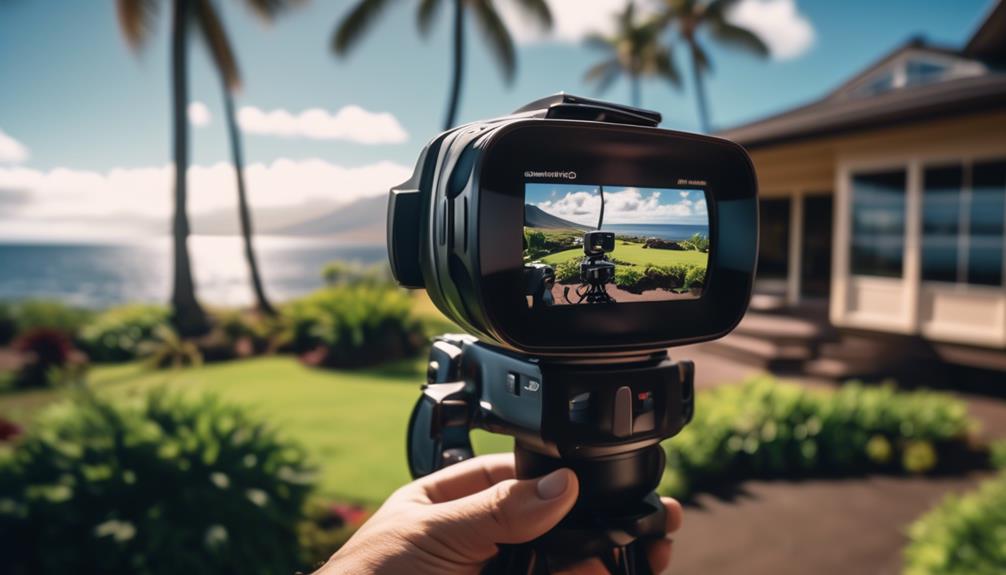
When it comes to creating virtual tours of Maui real estate, it's important to have the right equipment to provide potential buyers with an interactive experience. There are several equipment options to consider.
One popular choice is using Matterport cameras. These cameras use advanced technology to create 3D models of properties, offering clear floor plans and different angles for a comprehensive virtual tour. Matterport cameras are favored by real estate professionals because they allow for easy navigation and interactive features that enhance the virtual tour experience.
Another option is using a DSLR camera with a fisheye lens. This combination allows you to capture wide-angle shots, creating a more immersive virtual tour. The fisheye lens expands the field of view, making viewers feel like they're physically present in the property. This technology can give potential buyers a better sense of the layout and overall feel of the property.
In addition to dedicated virtual tour equipment, you can also utilize real estate photo editing software. This software allows you to enhance and edit your virtual tour shots, giving them a professional and polished look. With the right software, you can adjust lighting, colors, and even add virtual staging to showcase the property in its best light.
When choosing equipment for creating virtual tours of Maui real estate, it's essential to consider the specific needs of your target audience and the properties you'll be showcasing. By investing in the right equipment, you can create virtual tours that provide a truly immersive and engaging experience for potential buyers.
Plan Shots and Angles
When you're planning your virtual tour of Maui real estate, it's important to think about the angles and camera positions you'll use. By carefully selecting different angles, you can effectively showcase the property and highlight its unique features.
Consider using wide-angle shots to give viewers a comprehensive view of the property. You can also experiment with high and low angles to capture unique perspectives and create a visually engaging tour.
Each shot should be thoughtfully planned to create an informative and captivating virtual experience for potential buyers.
Shot Selection for Angles
When it comes to capturing the best angles and creating immersive shots for virtual tours, using a fisheye lens and an adjustable tripod is highly recommended. These tools will help you provide potential buyers with a clear and realistic view of the property.
To plan your shots effectively, consider the logical order in which the rooms should be presented. Start with the exterior and then move inside, capturing different angles that showcase the property's standout features.
Make sure to securely set up your tripod and find the center of each room for the best vantage point and angles. Aim for high-quality and steady shots by positioning the camera at eye level.
Planning Camera Positions
When planning your camera positions for virtual tours, it's important to consider how to capture the property's best features and provide a realistic view for potential buyers. Here are some tips to help you effectively plan your camera positions:
- Start by creating a shot list for each room in the property. Think about the best vantage points and angles to showcase the room's standout features.
- Position the camera at eye level to provide a more natural and immersive perspective for viewers. Consider the field of view to ensure that the entire room is captured in the frame.
- Using a fisheye lens can help you capture wide shots that showcase the entire room. Use a tripod to keep the camera steady and avoid shaky footage.
- Don't be afraid to experiment with different angles and perspectives. Take test shots and review them to see which angles are the most engaging and provide the best view of the space.
Clean and Stage the Property
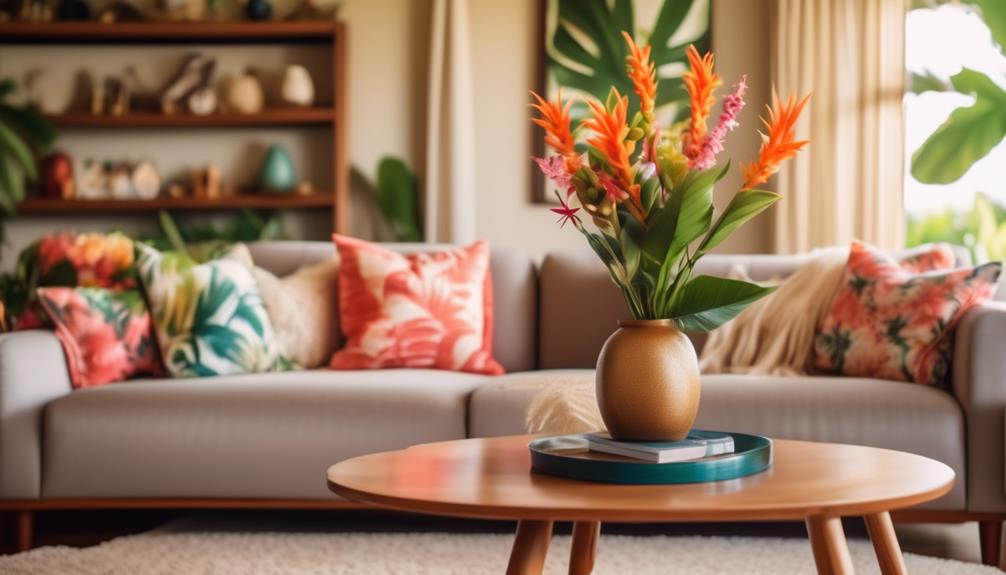
When preparing your Maui real estate for a virtual tour, it's important to start by thoroughly cleaning and staging the property. The cleanliness and staging of the property are vital in creating an appealing virtual tour experience for potential buyers. By taking the time to clean and stage the property, you can ensure that your virtual tour showcases the property in its best possible state.
Before you start taking photos or creating a digital video for the virtual tour, it's a good idea to have a shot list prepared in advance. This will help you capture all the important features and highlight the best aspects of the property. You can also use real estate photo editing software to enhance the visual appeal of the property and make it more attractive to potential buyers.
In addition to cleaning and staging, make sure to let in as much natural light as possible by opening blinds and curtains. Natural light can make a space look brighter and more inviting, which is crucial for creating a positive first impression. It's also important to prioritize cleanliness throughout the property, ensuring that each room is well-staged and tidy.
Taking the time to clean and stage the property before creating a virtual tour offers numerous benefits. Potential buyers can view the property from the comfort of their own homes, saving time and effort. Virtual tours provide panoramic or 360-degree images, allowing viewers to explore the property as if they were physically there. By creating virtual tours, you can reach a wider audience and increase the chances of attracting serious buyers.
Set Up and Level the Tripod
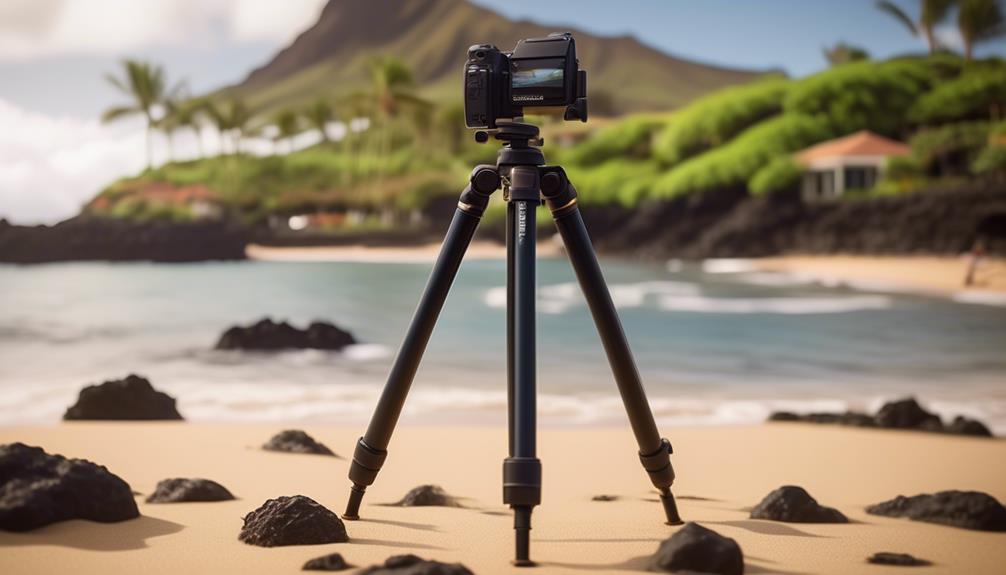
When it comes to capturing high-quality virtual tours of Maui real estate, it's essential to set up and level your tripod correctly.
Start by finding a sturdy and adjustable tripod that will keep your camera steady.
To ensure the tripod is perfectly level, use a built-in bubble level or leveling tool. This will help you achieve clear lines and angles in your photos.
Having a level tripod is crucial for producing professional-looking virtual tours. So take the time to set it up properly before you start shooting.
Tripod Setup Tips
If you want to capture stunning virtual tours of Maui real estate, it's important to set up your tripod properly. Here are some tips to help you achieve optimal stability and level shots:
- Position the tripod at the center of each room, at eye level. This will give you the best perspective for your shots.
- Make sure to lock the adjustable legs of the tripod. This will maximize stability and prevent any unwanted movement during shooting.
- Consider using a fisheye lens. This type of lens can capture wider angles and create an immersive virtual tour experience.
- Use the built-in bubble level or leveling tool on your tripod to ensure that it's level in every room. This will help you maintain a consistent and professional look throughout your virtual tour.
By following these tripod setup tips, you'll be able to capture high-quality virtual tours of Maui real estate that will impress your viewers.
Happy shooting!
Ensuring Level Positioning
When setting up your tripod to capture level shots of Maui real estate, it's important to ensure steady and balanced positioning for the best results. To achieve level positioning, start by locating the center of each room where you want the tripod to be placed. This will allow you to capture clear lines and angles, creating a virtual tour that accurately represents the space.
Use a tripod that has a built-in bubble level or use a separate leveling tool to ensure it's perfectly level. This will prevent any distortion or slanted images in your virtual tour.
Additionally, make sure to securely anchor the tripod to the ground and lock any adjustable legs to maximize stability.
Take Test Shots and Adjust Settings
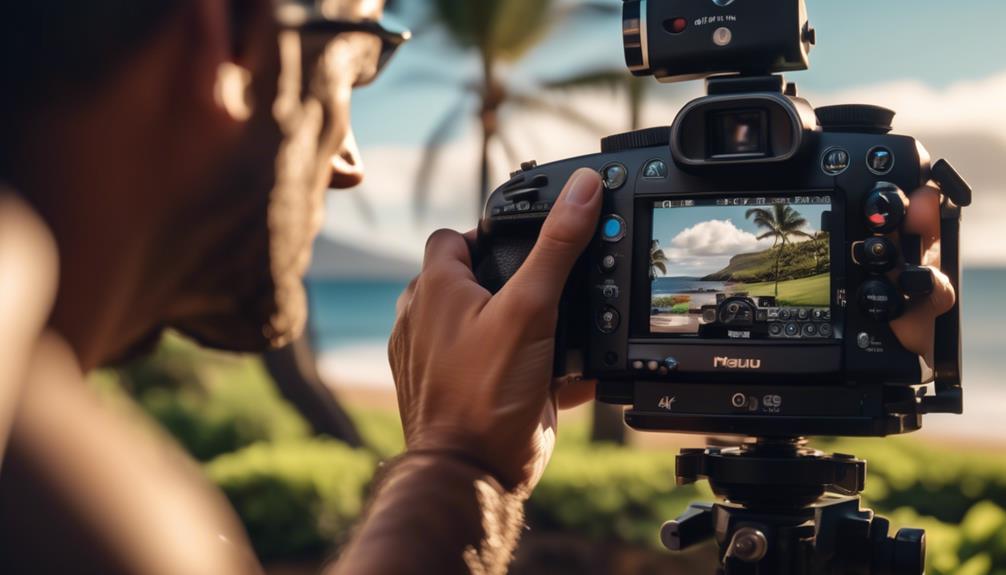
Before you start your virtual tour of Maui real estate, it's important to take some test shots and adjust your camera settings to ensure you capture high-quality images with the right lighting. By following these steps, you'll be able to create an engaging and immersive experience for potential buyers.
Here are some helpful tips for adjusting your camera settings for virtual tours:
- Use a DSLR camera with a fisheye lens: This combination will allow you to capture a wide-angle perspective, giving viewers a more immersive experience.
- Experiment with exposure settings and angles: Try out different exposure settings to find the best configuration for each room. Additionally, explore different angles to highlight the unique features of the property.
- Take sample shots and review them: After making adjustments, take sample shots and review them on your camera's display. This will help you ensure that the settings produce clear and appealing images.
- Fine-tune settings for consistent lighting and image quality: As you go through the virtual tour, pay attention to the lighting conditions in each room. Adjust your camera settings accordingly to maintain consistent lighting and image quality throughout the tour.
Taking the time to adjust your camera settings and capture test shots will greatly enhance the quality of your virtual tour. By creating a visually appealing tour of a real estate property, you'll be able to attract potential buyers and provide them with an immersive experience.
Don't forget to choose the right browser and optimize your virtual tour for your real estate website to maximize reach and engagement.
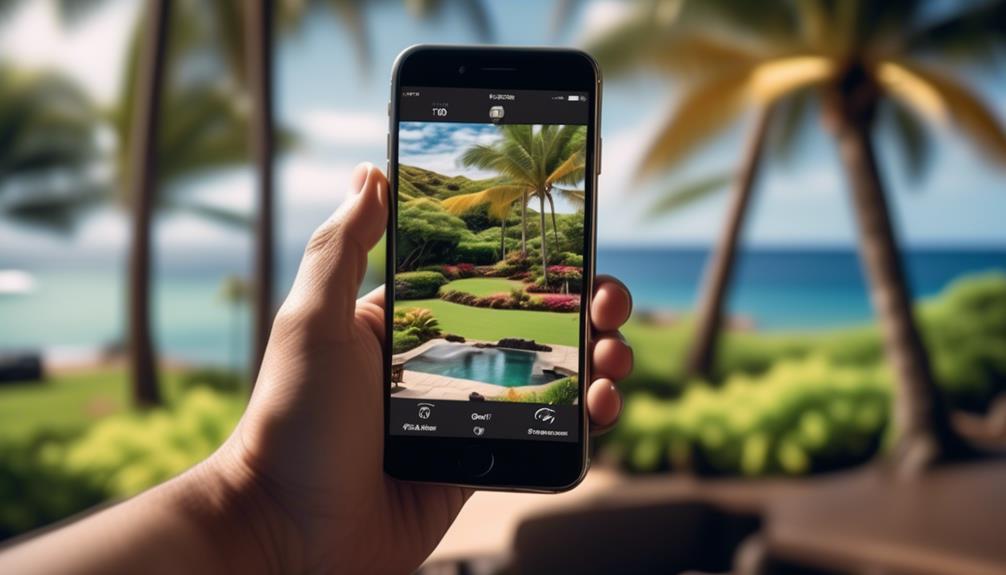
Now that you've adjusted your camera settings and taken high-quality test shots, it's time to create and share your virtual tour of Maui real estate. Creating a virtual tour involves organizing your photos in a way that tells a story and highlights the best features of the property.
To start creating your virtual tour, choose virtual tour software that suits your needs. Look for software that's easy to use and allows you to create an interactive experience for potential buyers. There are free options available that provide excellent tools for composing and sharing your tour.
As you compose your tour, think about the flow and order in which you present the rooms and areas of the property. It's important to create a logical and intuitive progression, so viewers can navigate through the property effortlessly. You can make a list of each room or area to ensure a smooth transition from one space to another.
Sharing your virtual tour is crucial for reaching a wider audience. You can publish your tour on real estate websites, Multiple Listing Service (MLS) platforms, and social media platforms. These platforms have a large audience of potential buyers who are actively searching for properties. By sharing your virtual tour on these platforms, you increase your chances of attracting interested buyers and generating leads.
Using the right technology to create and share your virtual tour is a great way to showcase a real estate property. It provides an immersive experience for potential buyers, allowing them to explore the property from the comfort of their own homes. By composing and sharing a virtual tour, you can effectively market the property and increase your chances of finding the right buyer.
Frequently Asked Questions
How Do I Create a Virtual Tour of My Property?
If you want to create a virtual tour of your property, there are a few steps you can follow to make it happen. First, gather all the necessary equipment and plan out your shots. You might consider using a Matterport camera or even just a smartphone with a fisheye lens to take high-quality photos. Once you're ready to start shooting, find the center of each room and take photos from different angles to capture the entire space.
To enhance the visuals of your virtual tour, you can also utilize virtual staging. This involves adding furniture and decor digitally to make the rooms look more appealing. It can help potential buyers visualize themselves in the space and get a better sense of the property's potential.
Once you've captured all the shots and edited them, it's time to share your virtual tour. You can upload it to real estate websites or MLSs (Multiple Listing Services) to reach a wider audience. This can increase your chances of selling the property faster, as it allows potential buyers to explore the space without physically being there.
Creating a virtual tour of your property can be a great way to showcase its features and attract more interest. With the right equipment and planning, you can create a visually appealing and engaging virtual tour that will help potential buyers get a better sense of your property.
What Is the Best Way to Do a Virtual Tour?
If you're looking for the best way to do a virtual tour, there are a few key steps you can follow to ensure a successful and engaging experience.
First, consider the different types of virtual tours available for real estate. Options like Zillow 3D Home Tours, video walk-throughs, and interactive 360-degree virtual tours offer different ways to showcase your property.
Next, make sure you have the right equipment for the job. This could include Matterport cameras or even just a smartphone with a good camera. Planning and preparation are also essential. Create shot lists to ensure you capture all the important features of the property, and consider utilizing virtual staging to enhance the visual appeal of the tour.
When it comes time to compose the tour, arrange your photos in a logical and cohesive manner. Utilize virtual tour software to create a seamless and interactive experience for viewers. This will allow them to navigate through the property and get a true sense of the space.
Once your virtual tour is complete, it's important to share it on different platforms and websites to reach a wider audience. This could include your own website, real estate listing sites, and even social media platforms. The more exposure your tour receives, the more potential buyers or renters you can attract.
How to Do a Virtual Tour of a House With Iphone?
If you want to do a virtual tour of a house using your iPhone, here's how you can do it.
Start by opening your camera app and switch to panoramic mode. This will allow you to capture wide-angle shots of each room in the house. If you want smoother shots, you can use a stabilizing gimbal to minimize any shaking or movement.
There are also virtual tour software apps available for iPhones that you can use to create interactive 360-degree tours. These apps will guide you through the process and help you create a professional-looking virtual tour.
To ensure that your virtual tour looks great, make sure you have good lighting in each room. Natural light is best, but you can also use additional lighting if needed. It's also important to minimize any movement while recording to avoid blurry footage.
By following these steps, you'll be able to create an impressive virtual tour of a house using just your iPhone. Whether you're a real estate agent showcasing a property or simply want to share your home with others, a virtual tour is a great way to provide an immersive experience.
How Long Does It Take to Create a Virtual Tour?
Creating a virtual tour can take anywhere from a few hours to a couple of days, depending on the type and complexity. The process involves careful planning, preparation, composition, and promotion.
It starts with creating a shot list and making sure each room is properly centered in the frame. Test shots are taken to ensure optimal image quality, and the photos are then arranged in a logical order.
Virtual tour software is utilized to create a seamless and interactive experience for viewers. Finally, the virtual tour is set up on various platforms for maximum exposure.
The time required for this process can vary depending on the size of the property and the marketing strategies implemented. On average, it can take anywhere from a day to a week to create a virtual tour.